10 Best Time Management Apps for Workplace in 2026
Explore the best time management apps like Time Champ, Todoist, Asana, Notion, Motion, and more to reduce distractions and keep your team organized.
Missed deadlines and constant distractions can quickly slow your team down if you don’t have the right system in place. The right time management app helps you stay organized, reduce wasted hours, and keep projects moving before productivity problems start affecting results.
Choosing the right tool now can help you manage work more efficiently and keep your team focused every day. To help you get started, we reviewed the best time management apps in the market today.
The best time management apps in 2026 are:
1.Time Champ - Best for time management, employee monitoring, and productivity tracking
2. Todoist- Best for simple task planning and daily to-do management
3. Asana - Best for managing projects, timelines, and team collaboration
4. Notion – Best for Customized Workspaces
5. Clockify - Best for visual task and workflow management
6. Toggl Track - Best for Easy Time Awareness
7. Motion - Best for AI Time Optimization
8. Forest - Best for Gamified Focus
9. Sunsama - Best for Daily Planning
10. RescueTime - Best for Reducing Distractions
Quick Comparison of the Best Time Management Apps for Work
The comparison table below gives you a quick overview of the best time management apps and what they are best suited for.
| Tool | Best For | Free Plan | Starting Price |
|---|---|---|---|
| Time Champ | Employee monitoring and productivity tracking | Yes | $3.90/user/month |
| Todoist | Daily task planning | Yes | $5.33/user/month |
| Asana | Project and team management | Yes | Custom pricing |
| Notion | Customized workspaces | Yes | $10/user/month |
| Clockify | Free time tracking | Yes | Custom pricing |
| Toggl Track | Easy time awareness | Yes | $9/user/month |
| Motion | AI-powered scheduling | No | $19/user/month |
| Forest | Gamified focus sessions | No | $1.99 one-time |
| Sunsama | Daily workflow planning | No | $17/user/month |
| RescueTime | Reducing distractions | Yes | $7/user/month |
Ready to improve productivity and reduce workflow inefficiencies?
Explore how Time Champ can help your team stay organized and focused every day.
Top 10 Time Management Apps to Improve Workplace Productivity
Below are some of the best time management apps that can help you reduce distractions, organize workflows, and improve productivity across your team.
1. Time Champ - Best for Time Management, Employee Monitoring, and Productivity Tracking
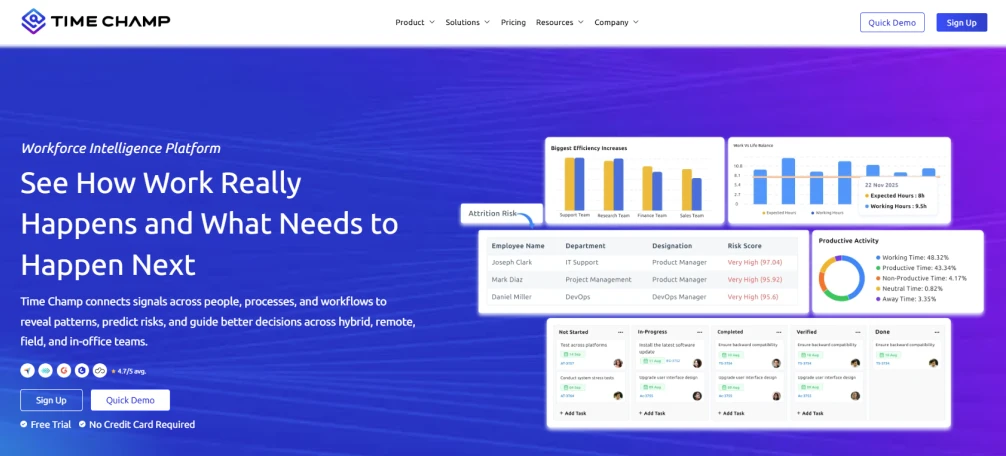
Time Champ is an employee monitoring and time management tool that helps you manage work hours, attendance, productivity, and team performance effectively from one platform. It also helps you identify productivity gaps, reduce time wastage, and improve accountability across teams.
Why Time Champ Stands Out?
Time Champ stands out as one of the best time management tools. Over 1500+ companies and 100K+ users using it now currently. It has good user ratings and feedback on authoritative review sites like G2 and Capterra. So many of the customers of Time Champ said that they have really improved in managing time after starting using it and have seen greater results in their productivity as well.
Read out Time Champ customer stories to see the real results businesses achieved with Time Champ.
Key Features
- Automatic Time Tracking: Tracks work hours automatically so you can reduce manual time logging and improve accuracy.
- Attendance Management: Simplifies attendance tracking, shift management, and employee work hour monitoring from one dashboard.
- Productivity Analytics: Provides detailed reports and productivity insights so you can identify inefficiencies and improve team performance.
- Project and Task Tracking: Helps you monitor project progress, manage tasks efficiently, and keep deadlines on track.
- App and Website Usage Detection: Gives you visibility into app and website usage, idle time, and work patterns to help improve productivity.
- Employee Monitoring: Helps you maintain transparency with screenshots, screen recordings, live screen monitoring, and customizable tracking settings.
- GPS and Field Tracking: Allows you to track field employees and remote teams more effectively through location-based monitoring.
Pros
- Helps identify productivity gaps more easily
- Supports better accountability across teams
- Scales well for growing businesses
- Improves visibility into team performance and workflows
- Reduces the need for multiple tracking tools
Cons
- The wide range of features may feel overwhelming for first-time users
- Smaller teams may not need every advanced monitoring feature
Pricing
- Starter: $3.90/user/month (billed annually)
- Professional: $6.90/user/month (billed annually)
- Premium: $13.90/user/month (billed annually)
Reviews
Ready to reduce wasted hours and improve team productivity?
Start using Time Champ to simplify time management and workforce tracking.
2. Todoist - Best for Simple Task Planning and Daily To-Do Management
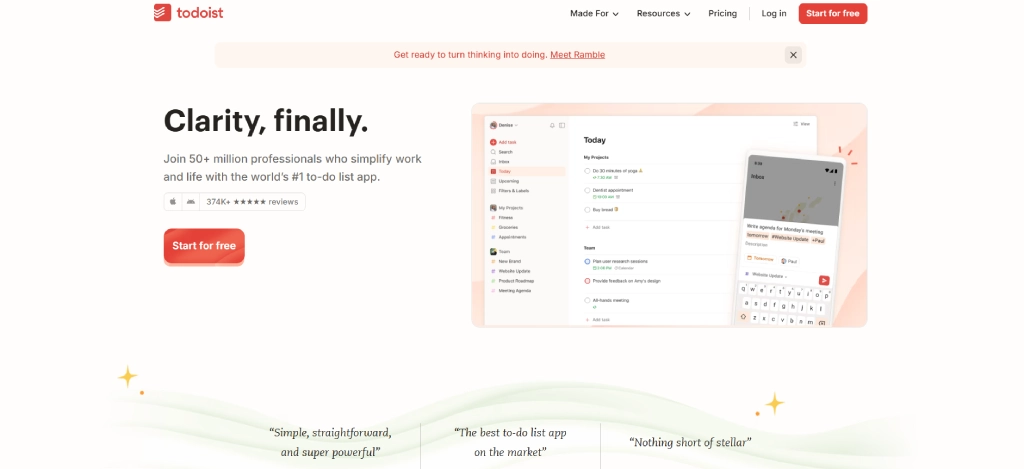
Todoist is a task and time management app designed for individuals and teams that want a simple way to organize tasks, manage priorities, and improve daily productivity. If you need a clean and easy-to-use platform for managing work more efficiently, Todoist helps you plan tasks, track deadlines, and stay focused without unnecessary complexity.
However, the base plan is limited to certain features and may require some training to effectively use. Consider alternatives like Time Champ for better ease of use and free access to their premium features via a free trial.
Key Features
- Task management helps you organize, prioritize, and track daily tasks efficiently.
- Recurring tasks automate repetitive schedules for routine work.
- Priority levels help you focus on urgent and important tasks first.
- Team collaboration allows teams to assign and manage shared tasks easily.
Pros
- Simple and beginner-friendly interface
- Easy task organization and prioritization
- Suitable for personal and small team productivity
Cons
- Limited advanced project management features
- Fewer reporting capabilities for larger teams
Pricing
- Beginner: Free for limited users
- Pro: $5.33/user/month(billed annually)
- Business: $7.87/user/month (billed annually)
Reviews
3. Asana - Best for Managing Projects, Timelines, and Team Collaboration
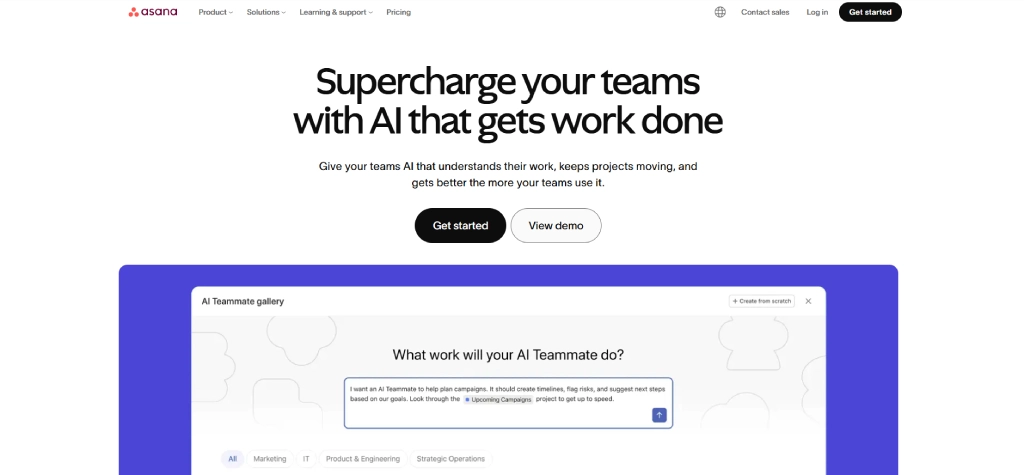
Asana is a project and time management platform built for teams that need better collaboration, task organization, and workflow visibility. If your projects involve multiple deadlines, stakeholders, and ongoing tasks, Asana helps you manage time more efficiently through timelines, task scheduling, boards, and workflow automation tools.
However, if you manage simpler workflows, you may find some features unnecessary, and customizing the platform for larger projects can take additional time and effort.
Key Features
- Project timelines provide a visual overview of schedules and deadlines.
- Task assignments help teams manage responsibilities clearly.
- Workflow automation reduces repetitive manual work across projects.
- Collaboration tools improve communication and project coordination.
Pros
- Strong collaboration and workflow features
- Suitable for managing complex projects
- Flexible project visualization options
Cons
- Advanced features are limited to higher plans
- Can feel overwhelming for first-time users
Pricing
- For pricing details, contact the Asana sales team.
Reviews
4. Notion – Best for Customized Workspaces
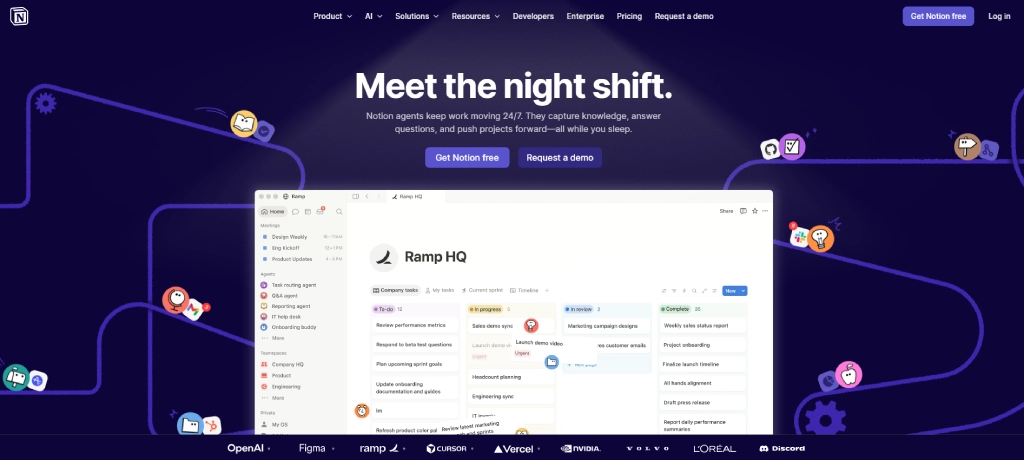
Notion is an all-in-one workspace and time management platform designed for teams that want to combine notes, tasks, documents, and collaboration into one place. If you prefer flexible workflows and personalized workspaces, Notion helps you organize projects, manage tasks, and plan work more efficiently from a centralized platform.
However, if you prefer a more structured workspace, Notion’s high level of customization can sometimes make project organization feel less straightforward and more time-consuming to manage.
Key Features
- Custom workspaces allow you to build personalized workflows and dashboards.
- Document management helps organize notes, files, and company knowledge.
- Task tracking supports project and task management in one workspace.
- Templates simplify setup with ready-made workflow structures.
Pros
- Highly customizable workspace
- Combines multiple productivity tools into one platform
- Great for documentation and collaboration
Cons
- Initial setup may take time for new users
- Large workspaces can sometimes feel cluttered
Pricing
- Free for limited users.
- Plus: $10/user/month (billed annually)
- Business: $20/user/month (billed annually)
- Enterprise: For enterprise pricing details, contact the Notion sales team
Reviews
5. Clockify - Best for Visual Task and Workflow Management
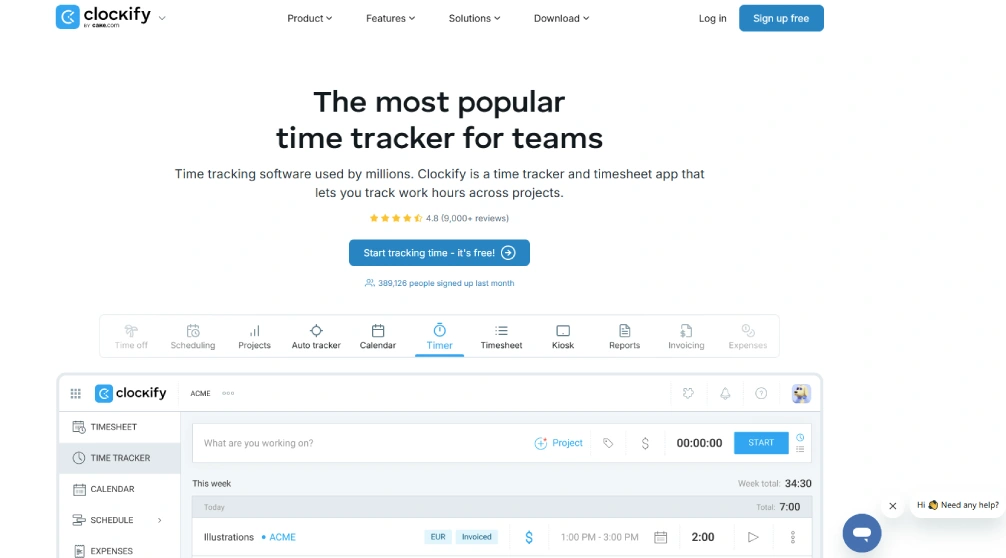
Clockify is a time management and time tracking platform designed for freelancers, remote teams, and businesses that need affordable work-hour tracking. If you want a simple way to manage time, track work hours, and monitor project progress, Clockify provides useful tracking tools with a free plan option.
If you need deeper workforce analytics or advanced employee monitoring capabilities, Clockify may feel limited for handling more complex productivity management needs.
Key Features
- Time tracking records work hours across projects and tasks.
- Timesheets simplify manual and automatic time entries.
- Project tracking helps monitor billable and non-billable hours.
- Reporting tools provide insights into productivity and time usage.
Pros
- Free plan with useful tracking features
- Simple and easy-to-use interface
- Suitable for freelancers and small teams
Cons
- Limited advanced productivity monitoring features
- Reporting customization may feel basic for some teams
Pricing
- For pricing details, contact the Clockify sales team.
Reviews
Looking for a complete workplace productivity solution?
Time Champ helps you manage tasks, time, and team performance more effectively.
6. Toggl Track - Best for Easy Time Awareness
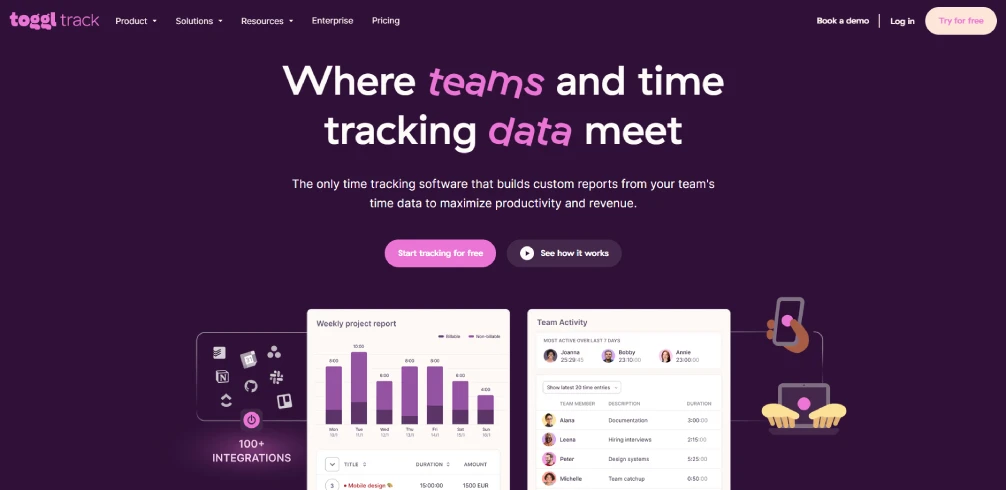
Toggl Track is a simple time management and time tracking tool designed for freelancers and teams that want better visibility into how work hours are spent. If you need quick time tracking, better time awareness, and simple productivity insights, Toggl Track offers an easy-to-use solution without unnecessary complexity.
If your team needs advanced project coordination and stronger collaboration features, Toggl Track may feel more focused on simple time tracking than full workflow management.
Key Features
- One-click time tracking makes it easy to start and stop timers instantly.
- Project reports provide insights into project and task hours.
- Billable hour tracking helps manage client billing accurately.
- Tool integrations connect with project management and collaboration apps.
Pros
- Beginner-friendly and clean interface
- Fast and simple time tracking experience
- Useful productivity reports and insights
Cons
- Lacks advanced project management features
- Detailed reports are limited in lower plans
- Team collaboration tools are not very extensive
Pricing
- Free for limited users.
- Starter: $9/user/month (billed annually)
- Premium: $18/user/month (billed annually)
- Enterprise: For pricing details, contact the toggl track.
Reviews
7. Motion - Best for AI Time Optimization
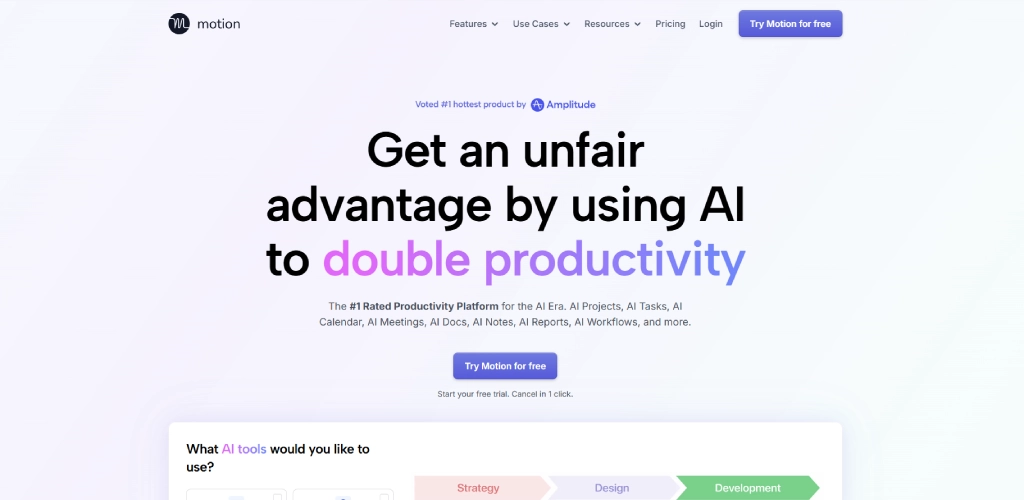
Motion is an AI-powered time management and productivity app designed for professionals who manage busy schedules, deadlines, and meetings every day. If you struggle with planning your workday efficiently, Motion automatically organizes tasks, schedules, and priorities to help you manage time more effectively.
If you prefer more manual control over task planning and scheduling, Motion’s AI-driven workflow may sometimes feel less flexible for highly customized work routines.
Key Features
- AI scheduling automatically plans tasks and meetings intelligently.
- Calendar management organizes schedules and appointments efficiently.
- Task prioritization helps focus on the most important work first.
- Deadline management adjusts schedules automatically when priorities change.
Pros
- Saves time through AI-powered scheduling
- Reduces manual planning effort
- Helps improve daily organization and focus
Cons
- Higher pricing compared to many alternatives
- AI scheduling may take time to get used to
- Limited customization for manual scheduling preferences
Pricing
- Pro AI: $19/user/month(billed annually)
- Business AI: $29/user/month(billed annually)
Reviews
8. Forest - Best for Gamified Focus
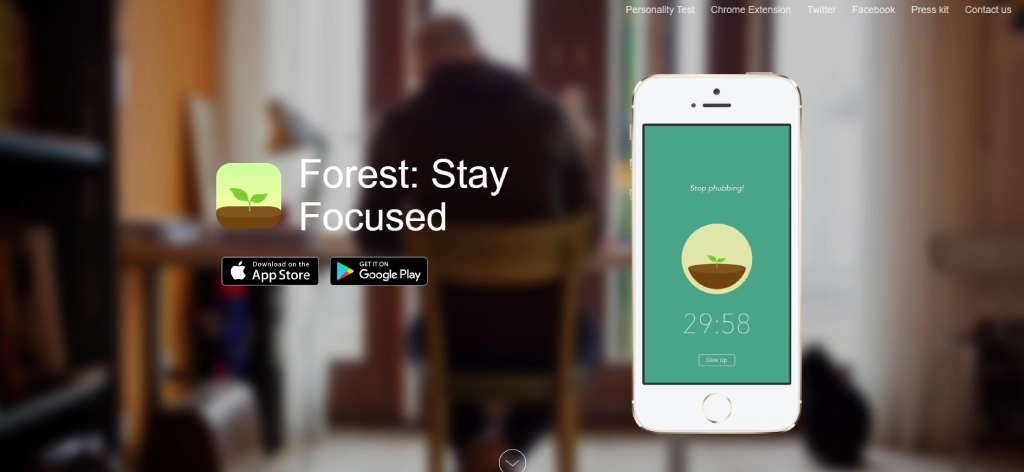
Forest is a focus and time management app designed for users who want a more engaging way to avoid distractions and manage work sessions effectively. If you struggle to stay focused during work hours, Forest encourages better time management through a simple gamified productivity experience.
If you need advanced workplace productivity management or detailed team collaboration features, Forest may feel more suitable for personal focus improvement than managing larger team workflows.
Key Features
- Focus timer helps you avoid distractions during work sessions.
- Pomodoro support helps you manage work and break sessions.
- Focus tracking shows your concentration and productivity habits.
- Cross-platform support lets you use the app across mobile and web devices.
Pros
- Helps improve concentration habits
- Simple and easy to use
Cons
- Limited workplace productivity features
- Better suited for individuals than large teams
- Lacks detailed reporting and advanced task management tools
Pricing
- Free (Android only)
- Starter: $3.99/iOS (one-time purchase)
- Pro: $1.99/Android (one-time purchase)
Reviews
- No reviews found for Forest in G2 and Capterra.
9. Sunsama - Best for Daily Planning
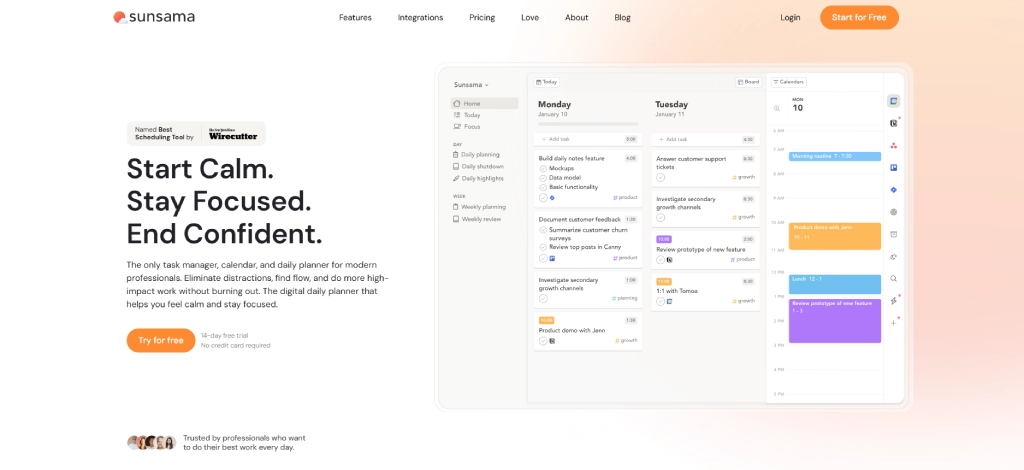
Sunsama is a daily planning and time management app designed to help you organize tasks, calendars, and workflows into a more balanced workday. If you want better structure, focus, and time organization without feeling overwhelmed, Sunsama helps you plan work more intentionally and manage daily schedules more effectively.
If your team manages highly complex workflows or relies on multiple third-party integrations, Sunsama may feel more focused on personal daily planning than advanced project coordination.
Key Features
- Daily planning helps organize priorities and tasks clearly.
- Calendar integration syncs meetings and schedules into one workspace.
- Task management simplifies task organization and tracking.
- Focus mode encourages distraction-free work sessions.
Pros
- Clean and distraction-free interface
- Excellent for structured daily planning
- Supports healthier work routines
Cons
- Expensive for smaller teams and freelancers
- Limited features for managing complex projects
- Fewer integrations compared to larger productivity platforms
Pricing
- Pro Plan: $17/user/month (billed annually)
- For more pricing details, contact the Sunsama sales team.
Reviews
- G2: No review found for Sunsama.
- Capterra: 4.7
10. RescueTime - Best for Reducing Distractions
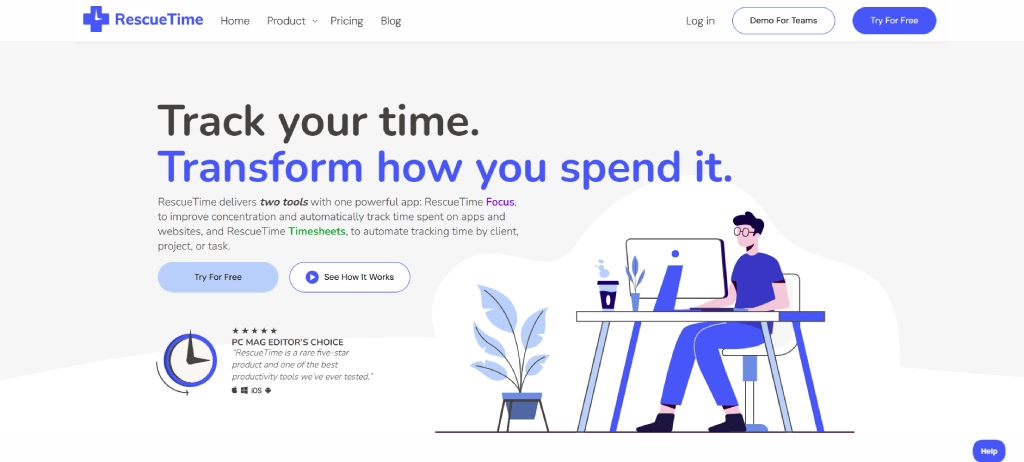
RescueTime is a time management and productivity tracking tool designed to help you understand how your time is spent during work hours. If distractions and unproductive habits affect your workflow, RescueTime provides automatic tracking and focus tools to help you manage time more effectively and improve daily productivity.
If you need advanced collaboration and workflow management, RescueTime may feel more focused on personal productivity tracking.
Key Features
- Automatic time tracking monitors apps, websites, and digital activity.
- Focus sessions help reduce distractions during work hours.
- Productivity reports provide insights into work habits and time usage.
- Goal tracking helps monitor focus and productivity targets.
Pros
- Strong distraction management features
- Detailed productivity insights and reports
- Easy automatic tracking setup
Cons
- Limited collaboration and project management tools
- Detailed tracking may feel excessive for some users
- Interface may feel more focused on analytics than workflow management
Pricing
- Solo: $7/user/month (billed annually)
- Solo+: $12/user/month (billed annually)
- Team: $10/user/month (billed annually)
- Team+: $16/user/month (billed annually)
Reviews
How to Choose the Right Time Management App for Your Team
Choosing the right time management app becomes easier when you understand your team’s daily workflow, productivity challenges, and collaboration needs. The right tool should help you improve organization, save time, and support your team without making work more complicated.
Identify Your Team’s Productivity Challenges
Start by understanding the problems your team faces most often, such as missed deadlines, poor task visibility, distractions, or inefficient workflows. This helps you choose a time management tool that solves the right productivity issues instead of adding unnecessary features.

Did you Know?
An Inc. report found that employees spend only 53.3% of their working time on productive tasks, even when they are actively engaged in work.
Choose Features Based on Your Workflow Needs
Different teams need different productivity features depending on how they manage work. The right time management app should help you track time accurately, manage schedules efficiently, reduce time wastage, and improve overall time management throughout the workday.
Check Ease of Use and Team Adoption
A complicated platform can reduce productivity instead of improving it. Choosing a user-friendly app with a simple interface helps your team adapt faster and use the software consistently.
Look for Integration and Compatibility Options
Your time management app should work smoothly with the tools your team already uses for communication, payroll, project management, and collaboration. Good integrations help create a more organized workflow and reduce manual work.
Compare Pricing and Scalability
As your business grows, your productivity requirements may also change. Choosing a time tracking tool with flexible pricing and scalable features helps you manage costs while making sure the software continues supporting your team effectively.
Conclusion
The best time management apps can help you improve productivity, organize workflows, reduce distractions, and manage work more efficiently across your team. Whether you need better time tracking, task organization, daily planning, focus management, or smarter scheduling, the tools listed above offer different strengths based on your workflow needs and team size. Tools like Time Champ are especially useful for teams that need both time management and workforce visibility from one platform.
Choosing the right platform now can help you build better productivity habits, improve collaboration, and keep your team focused as workloads continue to grow.

Guna Lakshmi

Table of Content
 Quick Comparison of the Best Time Management Apps for Work
- Top 10 Time Management Apps to Improve Workplace Productivity
- How to Choose the Right Time Management App for Your Team
- Conclusion

Related Blogs
Looking for the best freelance time tracking software? Explore the top free and paid tools to track work hours, manage projects, and improve productivity.
Guna Lakshmi | May 18, 2026
Learn what time tracking is, why it matters in 2026, the best methods, and how to implement it without team pushback. A practical guide for modern teams.
Jahnavi Pulluri | May 19, 2026
Learn the key pros and cons of time tracking to enhance employee productivity and manage challenges effectively.
Thasleem Shaik | Aug 17, 2024
Learn how time tracking improves remote team productivity through better visibility, accountability, performance tracking, and smarter team management.
Anjali | May 16, 2026
Explore the top benefits of productivity tracking software for better visibility, balanced workloads, smarter planning, and improved business decisions.
Guna Lakshmi | Apr 30, 2026
A practical guide to choosing productivity tracking software for your team, with comparisons of features, pricing, privacy, security, and rollout risks.
Jahnavi Pulluri | May 01, 2026


 4.7/5 avg.
Ready to Manage Your Workforce Smarter?
Join our family of 1500+ companies using smart insights to redefine workforces!

Free Trial
No Credit Card Required